Language, appearance and permissions
Make the app comfortable to use
Settings includes language, appearance, currency and device-permission controls. Instructors also have a 12-hour/24-hour time-format setting. These preferences are different from the content of a saved lesson.
Change your preferences
- Open Settings in the instructor or pupil navigation.
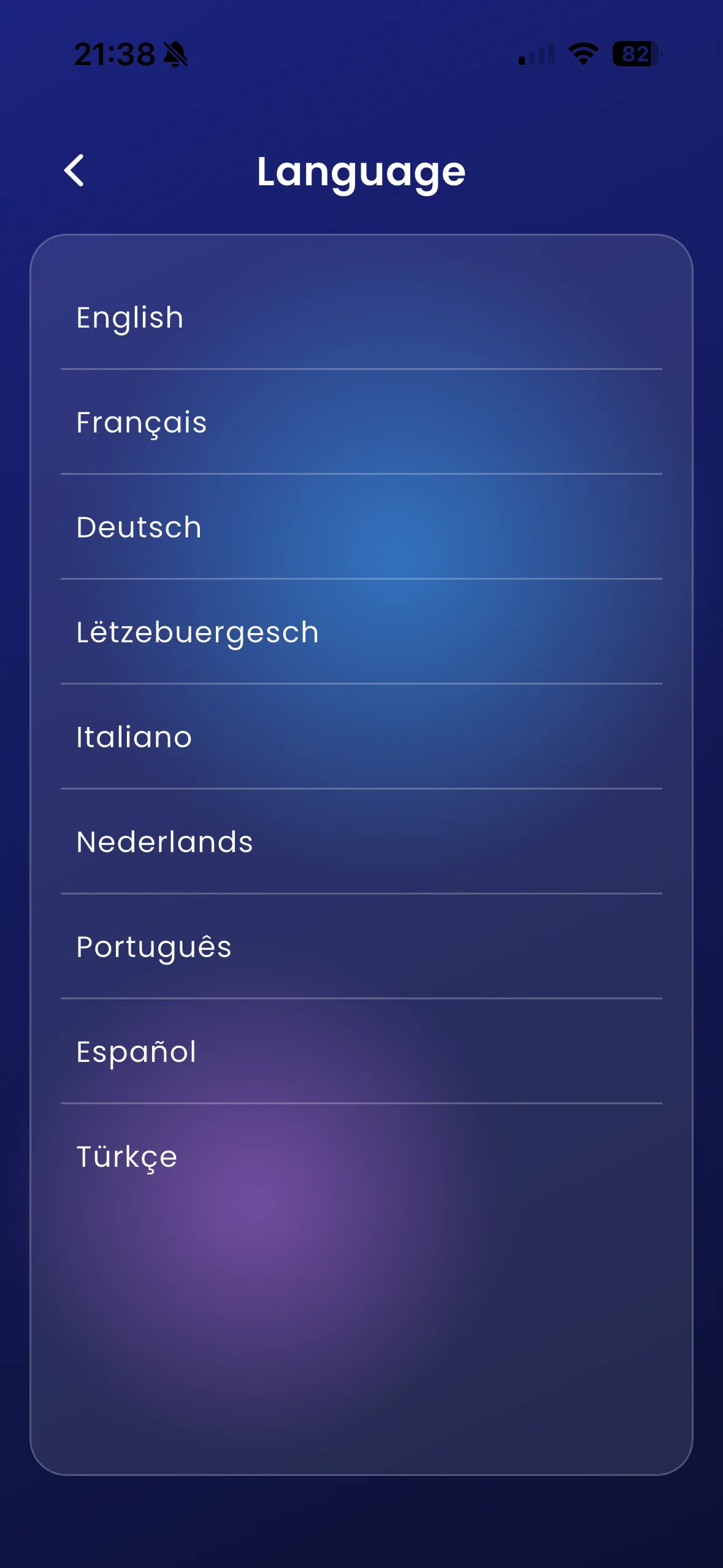
- Choose Language and select a supported language.
- Choose Select Theme to change the app’s look and feel.
- On instructor screens, choose Time Format for 12-hour or 24-hour display.
- Review Currency separately before creating new financial records.
- Use Permissions to open the phone’s Varium app settings when you need calendar, location or notification access.
For example, a French-speaking instructor can use French app labels while continuing to teach and invoice in the record’s original currency. Changing language does not translate an instructor’s custom feedback.
Important things to know
This Help Centre’s complete reference is in English. Dutch and French marketing navigation links to it rather than offering unfinished translations. Common app terms include Calendar / Kalender / Calendrier and Settings / Instellingen / Paramètres; individual labels can vary by screen.
Troubleshooting
If a display preference has not refreshed, revisit Calendar or reopen the relevant screen. If permission was denied, use device settings; reinstalling is not the first troubleshooting step. Read the specific feature guide before granting a permission you do not need.
Related features
Currency · Calendar sync · Notifications