Use your diary and calendar
What is the diary?
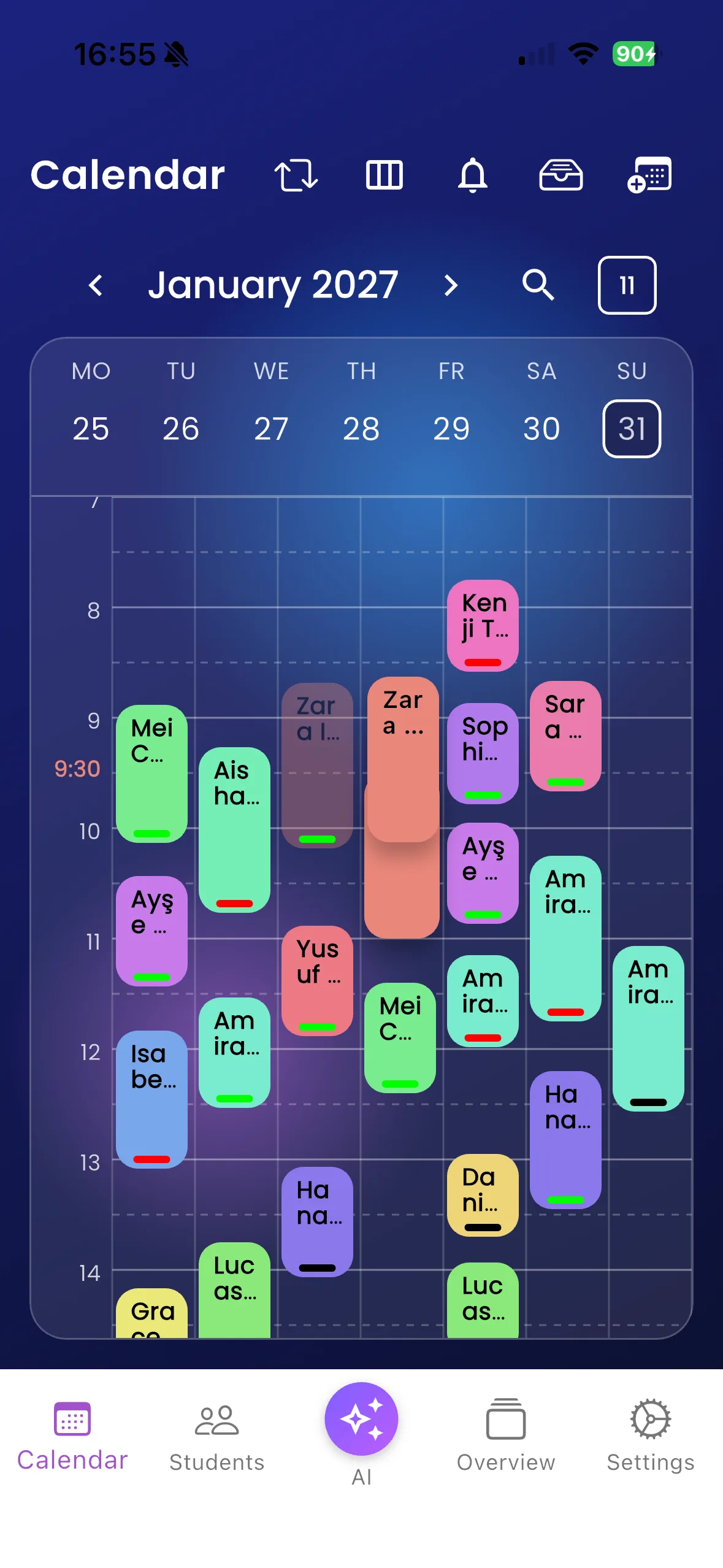
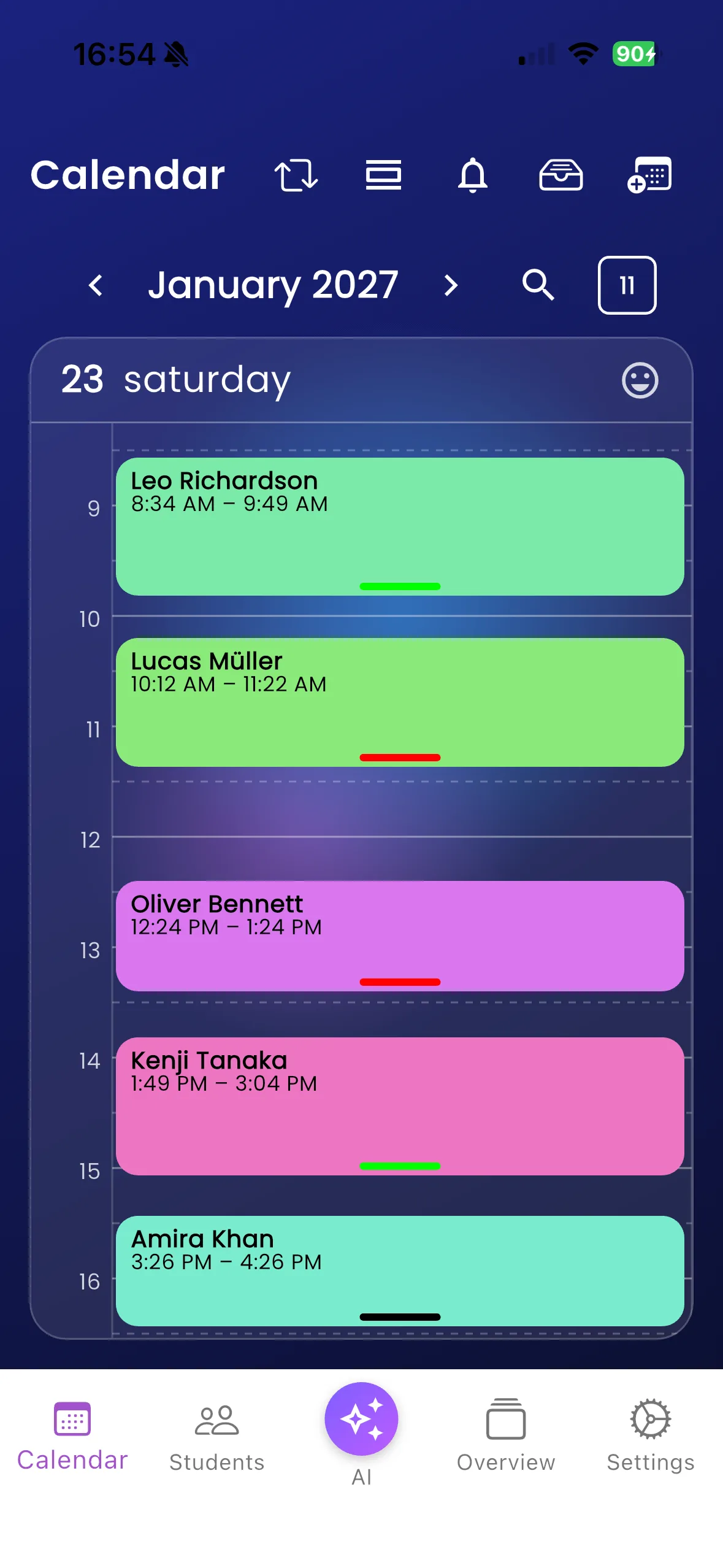
Calendar is the instructor’s day-to-day schedule. It brings lesson times and unavailable periods together so you can see where teaching fits. The pupil calendar has upcoming and past lessons rather than the same instructor planning controls.
Find and review lessons
- Open Calendar in instructor navigation.
- Use the date controls to move through your diary and return to today.
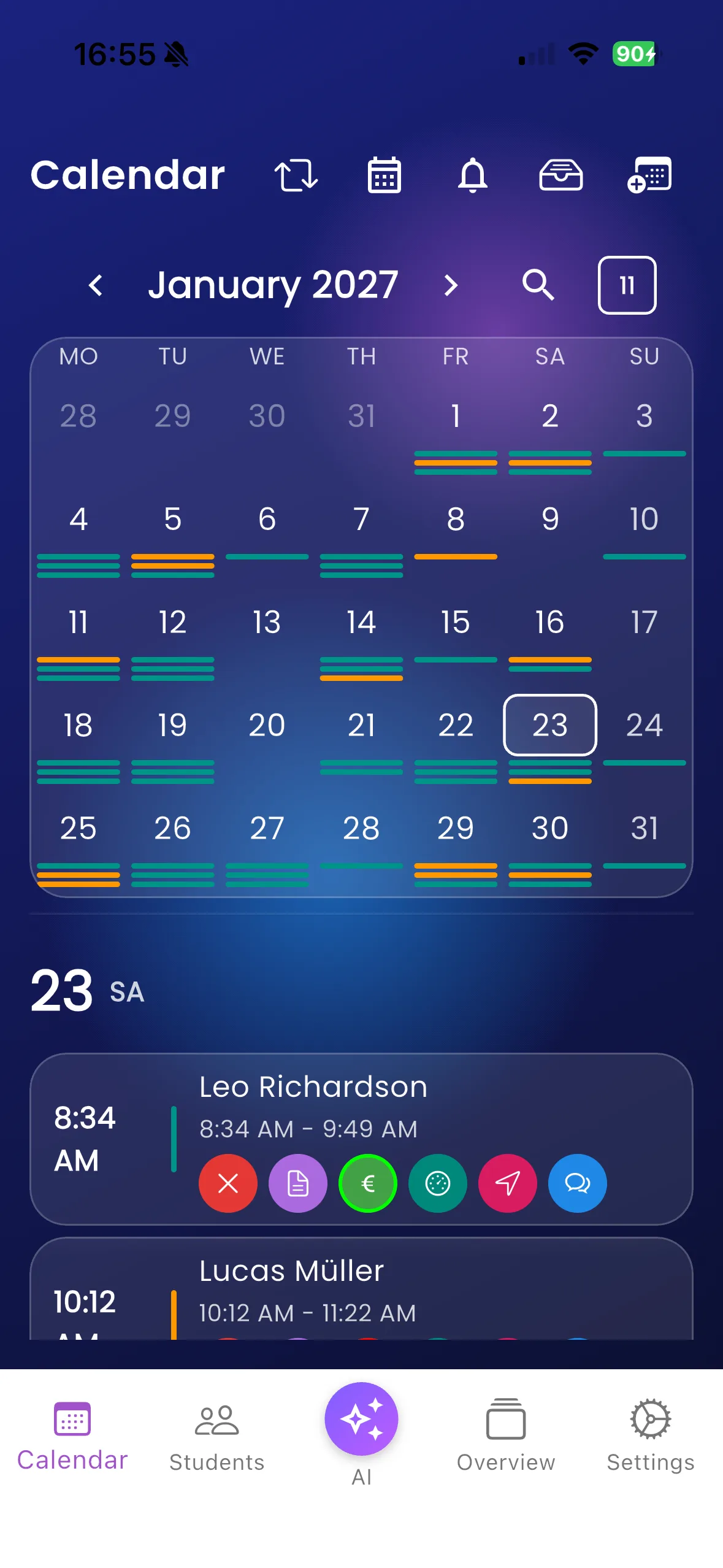
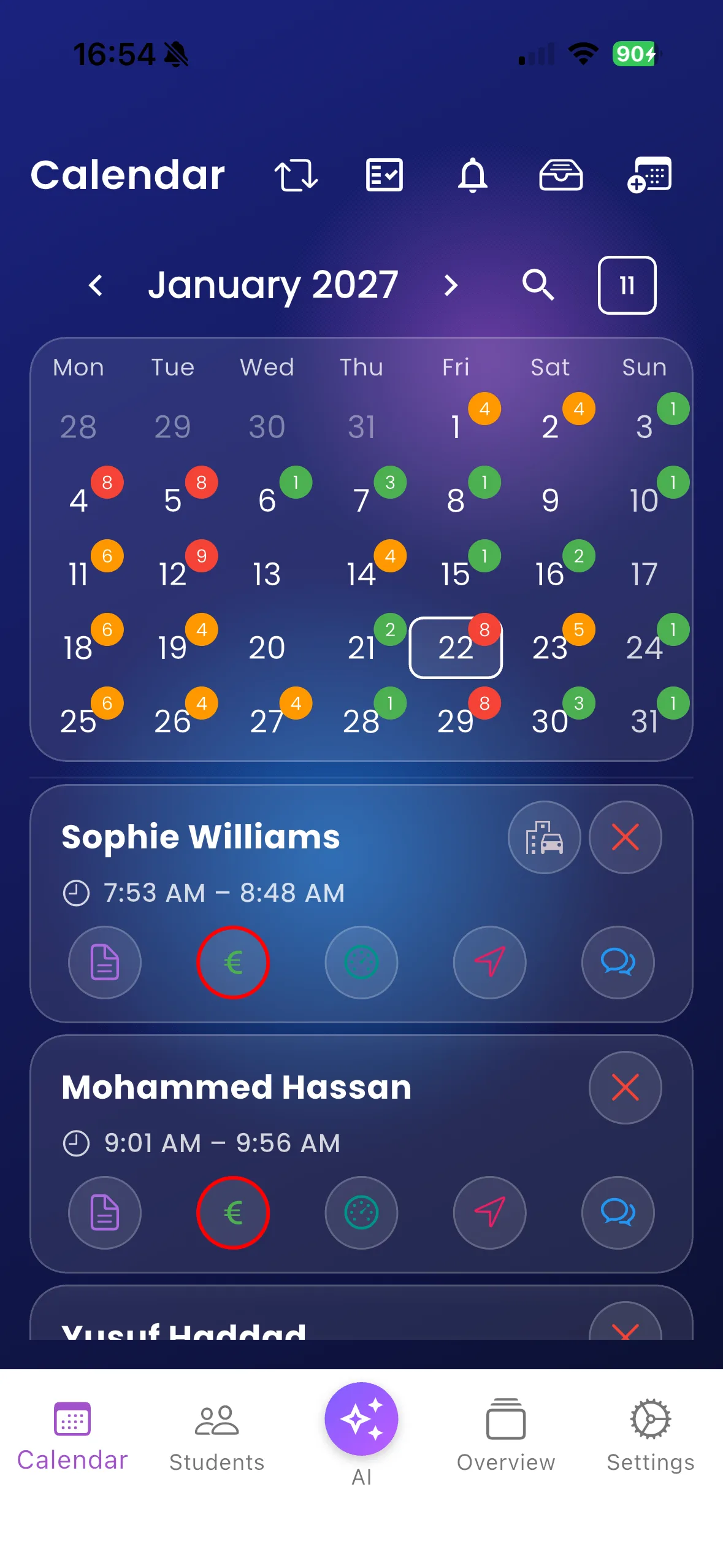
- Switch calendar views using the controls offered on your screen. Landscape Diary Plus offers additional calendar presentation.
- Open a lesson to inspect its details and available actions.
- Refresh after another user or your school changes a booking.
For example, compare the day’s booked lessons with the time between them before accepting an extra pupil. Smart Gaps can help you choose a pupil for a suitable gap.
Important things to know
Unavailable periods and exam entries have different meanings from ordinary driving lessons. Exam events cannot be edited through the ordinary lesson-edit action. Calendar view options depend on the screen and orientation; you do not need every view to create a lesson.
Troubleshooting
An empty day may simply be the wrong selected date. Check today, refresh, and confirm that you are signed into the expected instructor account. If the app says the school must refresh or fix data, contact your administrator.
Related features
Create lessons · Change or delete lessons · Calendar synchronisation
Two ways to see your January diary
The first screen highlights the diary’s coloured booking indicators and lesson summaries. The second shows the full month with daily counts, a selected date and direct lesson actions. Both are genuine Varium screens using fictional January 2027 pupil data.
More diary layouts
Change calendar views to see available slots and lesson length at a glance.