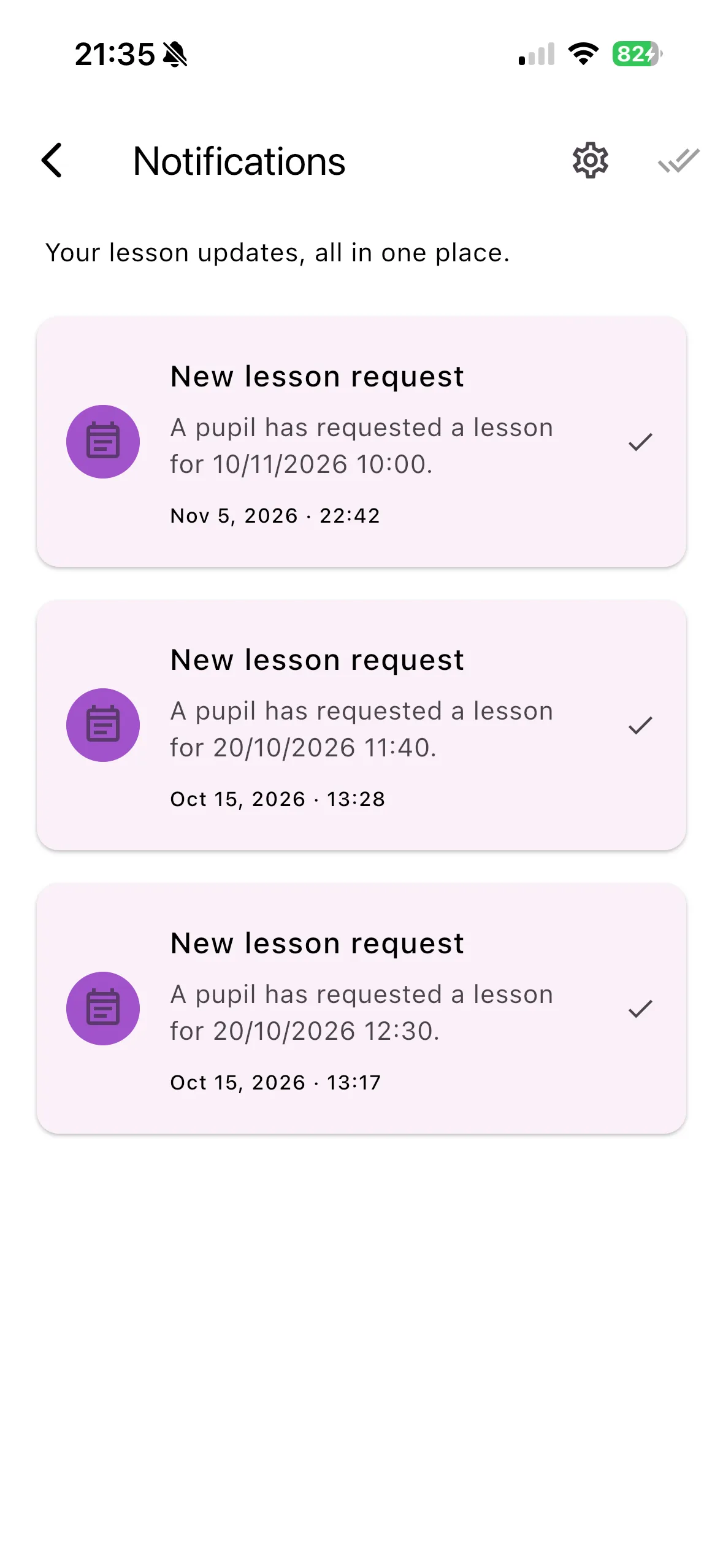
Read your notification centre
Your in-app inbox
The notification centre stores account notifications inside Varium. It can help you review events even when push permission has not been enabled. It is different from a banner delivered by your phone.
Read and manage notifications
- Open the notification bell in a supported signed-in screen.
- Review the unread count and list of notifications.
- Tap an item to open its relevant request or lesson where available.
- Use the mark-read control for an item or Mark all read for the inbox.
- Use refresh/retry when needed and Load more to see older entries.
- Use the settings action to review push permission separately.
For example, an instructor can open a booking-request alert and review the request before deciding. Reading it does not itself approve the lesson.
Important things to know
The inbox belongs to the signed-in account. The badge displays 99+ for large unread counts. An alert describes an event at a point in time; the referenced lesson or request may have changed since it was created. Marking something read does not delete a booking or change its payment status.
Troubleshooting
An empty inbox is not proof that the device is broken; there may be no recorded notifications for that account. If a request was already handled or a lesson deleted, use the request list/calendar instead of the old alert. If loading fails, retry after checking your connection.
Related features
Push permission · Request alerts · Delivery help